
Don't know how to access the instant messanger (IM) capability of your Outlook email? Follow the following steps to get started!
1. Log-in to your MyUCMerced portal.
2. Go into your Outlook mail (top-right corner).
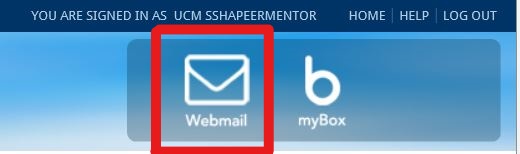
3. Look for the Skype symbol in your Outlook mail (top-right corner).

4. Click the Skype symbol and search "UCM sshapeermentor"
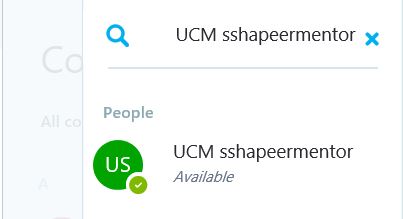
5. Add them as a contact and ask your questions during the designated hours!
